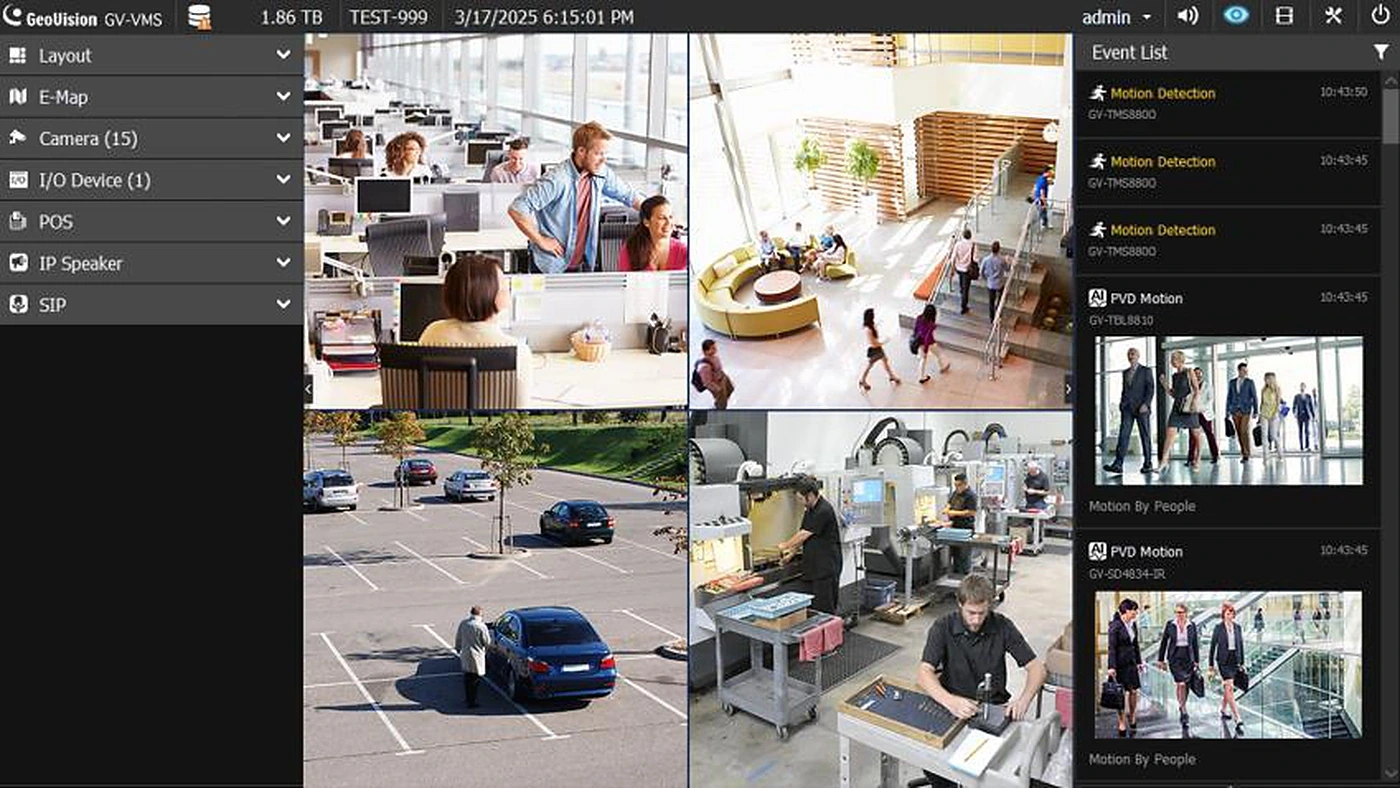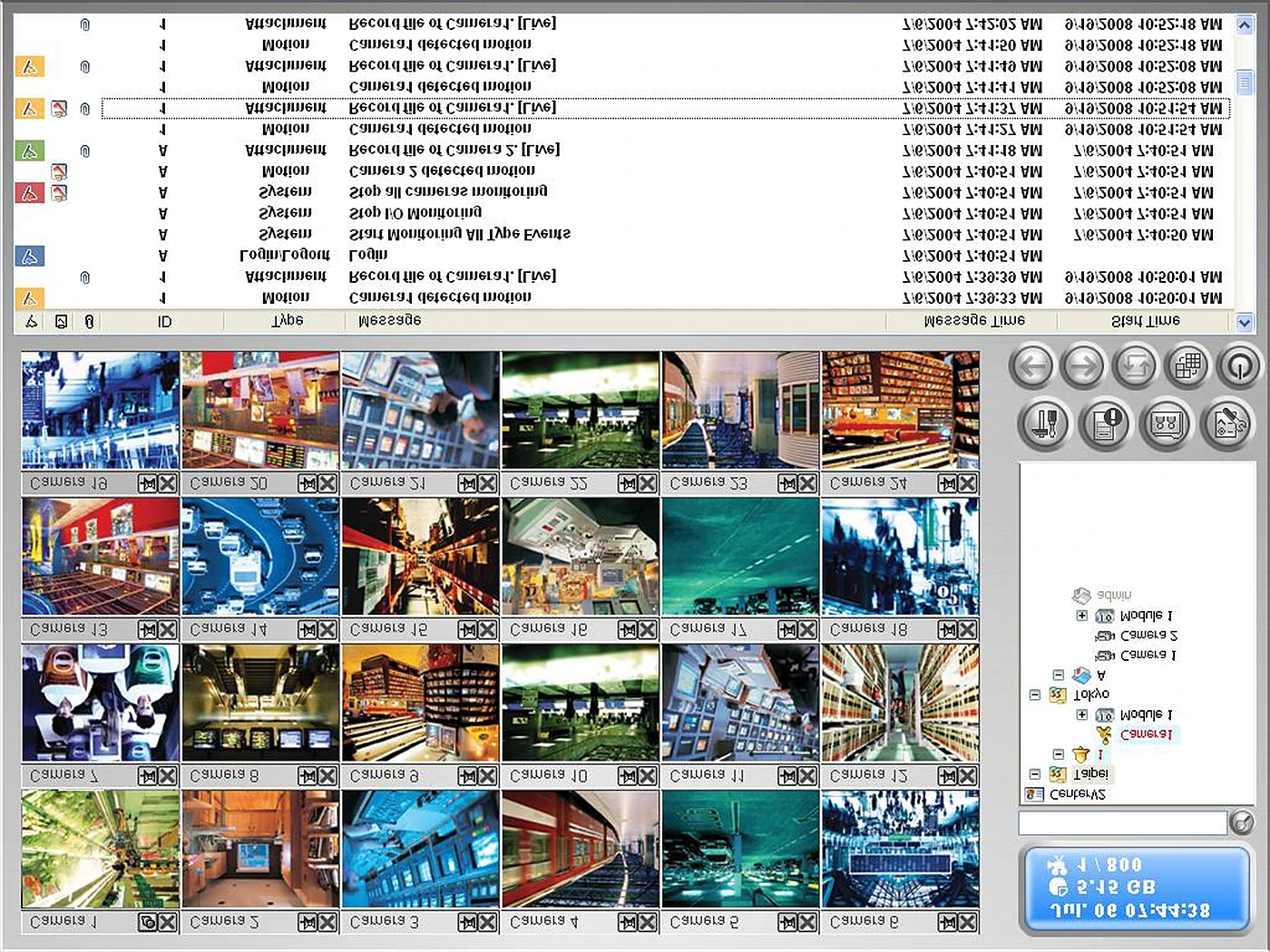
GV-Center V2
GV-Center V2 Central Monitoring Software
- 800CH
- 500 subscribers
- AI
- Standard / Pro / AI
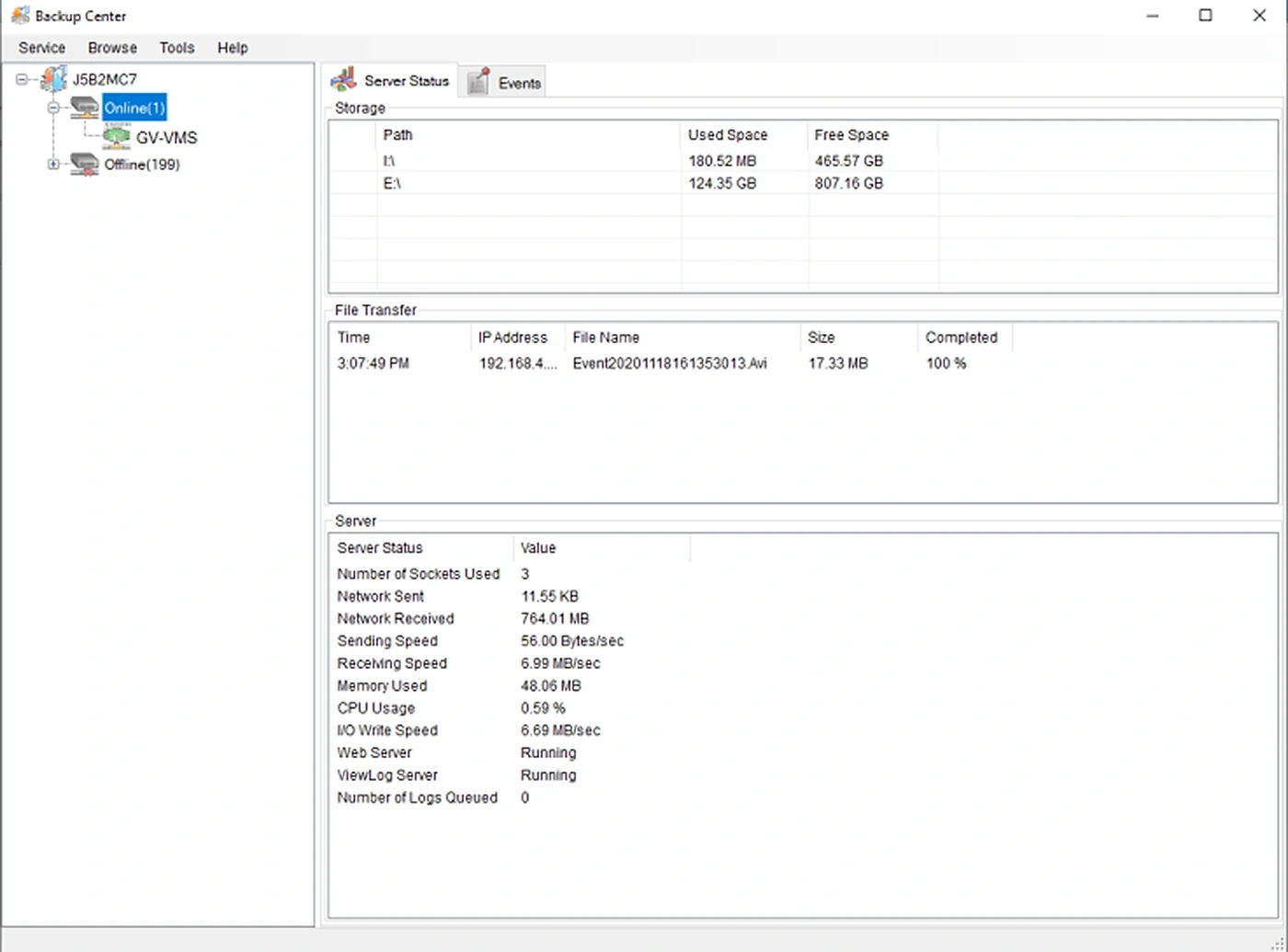
GeoVision · GV-Backup Center
Secure and affordable remote backup for GV-DVR / NVR, GV-VMS, GV-Recording Server and GV-IP Devices, up to 200 hosts
GV-Backup Center provides you with a secure and affordable remote backup solution for GV-DVR / NVR, GV-VMS, GV-Recording Server, and GV-IP Devices. GV-Backup Center automatically stores a copy of recordings and logs to an offsite location. If data are lost at the servers and devices, the recording data remain safe in a different location.
GV-Backup Center supports up to 6 GV-VMS units, or one GV-VMS V20 unit with up to 256 channels, provided that Patch V1.2.1.5 is installed.
| Supported Hosts | |
|---|---|
| GV-IP Devices | Up to 200 units |
| GV-DVR / NVR | Up to 12 units (32 ch per unit) |
| GV-VMS | Up to 6 units (64 ch per unit), or a single GV-VMS V20 unit (256 ch, Patch V1.2.1.5 required) |
| GV-Recording Server | Up to 3 units (128 ch per unit) |
| User accounts | 100 in total, including Supervisors and Users |
| Languages | 16 languages: Danish, English, French, German, Hebrew, Hungarian, Italian, Japanese, Polish, Portuguese, Russian, Serbian, Simplified Chinese, Spanish, Traditional Chinese, Turkish |
| Backup Features | |
| Backup schedule | Yes, for GV-DVR / NVR, GV-VMS and GV-IP Devices |
| Backup rules | 10 rules for working and non-working days independently (GV-DVR / NVR, GV-VMS, GV-IP Devices) |
| E-mail alert | Low disk space, disconnection, file transfer failure |
| Disk space recycling | Yes |
| Keep Day | Definable and unlimited in number |
| System Log query / Video playback | Web-based query pages; video playback via web-based query pages or the Remote ViewLog Playback program |
| License | |
| Free license | N/A |
| Maximum license | 200 hosts |
| Dongle type | Internal or external GV-USB dongle (internal recommended for the Hardware Watchdog function) |
| Compatibility | |
| GeoVision software | GV-DVR / NVR 8.5.5 or later; GV-Recording Server 1.2.4 or later; GV-VMS 16.10.3 or later |
| IP devices | GeoVision IP cameras, Video Servers and Compact DVRs are supported, except non-compatible models such as GV-BX2600, certain GV-Target models (GV-EFD, GV-EDR, GV-EBX, GV-EVD, GV-EBL), GV-ADR / GV-TDR, GV-EBD, GV-AVD / GV-TVD, GV-VD8700, GV-SD2322-IR / SD2722-IR / SD3732-IR / SD200-S, GV-TM0100, GV-VR360 (see datasheet for the full list) |
| Minimum System Requirements | |
| OS | 64-bit Windows 11 / 10 / Server 2016 / Server 2025 |
| CPU | Core 2 Duo, E6600, 2.4 GHz |
| Memory | 2 x 2 GB Dual Channels |
| Hard disk | 1 GB |
| Software | DirectX 9.0c; .Net Framework 3.5 |
| Browser | Internet Explorer 7.X, Mozilla Firefox 4.0 or above, Google Chrome 4.0 or above |
| Network (200 GV-IP Devices) | Receiving: 2 Gigabit cards (up to 100 hosts / card, 1.3 MP / 3 MP source) or 3 cards (up to 67 hosts / card, 2 / 4 / 5 MP source); plus 1 Gigabit card for playback / web query access |
Specifications are summarised from manufacturer documentation and are subject to change without notice. Contact 5ZONE for full details.
GV-Center V2
GV-Video Wall
GV-VMS V20